
Write Markdown, not workarounds
A distraction-free editor with live preview, beautiful themes, and complete privacy. Your documents stay in your browser — always.
# Getting Started
Welcome to **321Markdown**!
Features you'll love:
- Real-time *preview*
- Export to **PDF**
- Beautiful themes
```js
const editor = "ready";
```
Getting Started
Welcome to 321Markdown!
Features you'll love:
- Real-time preview
- Export to PDF
- Beautiful themes
const editor = "ready";See It in Action
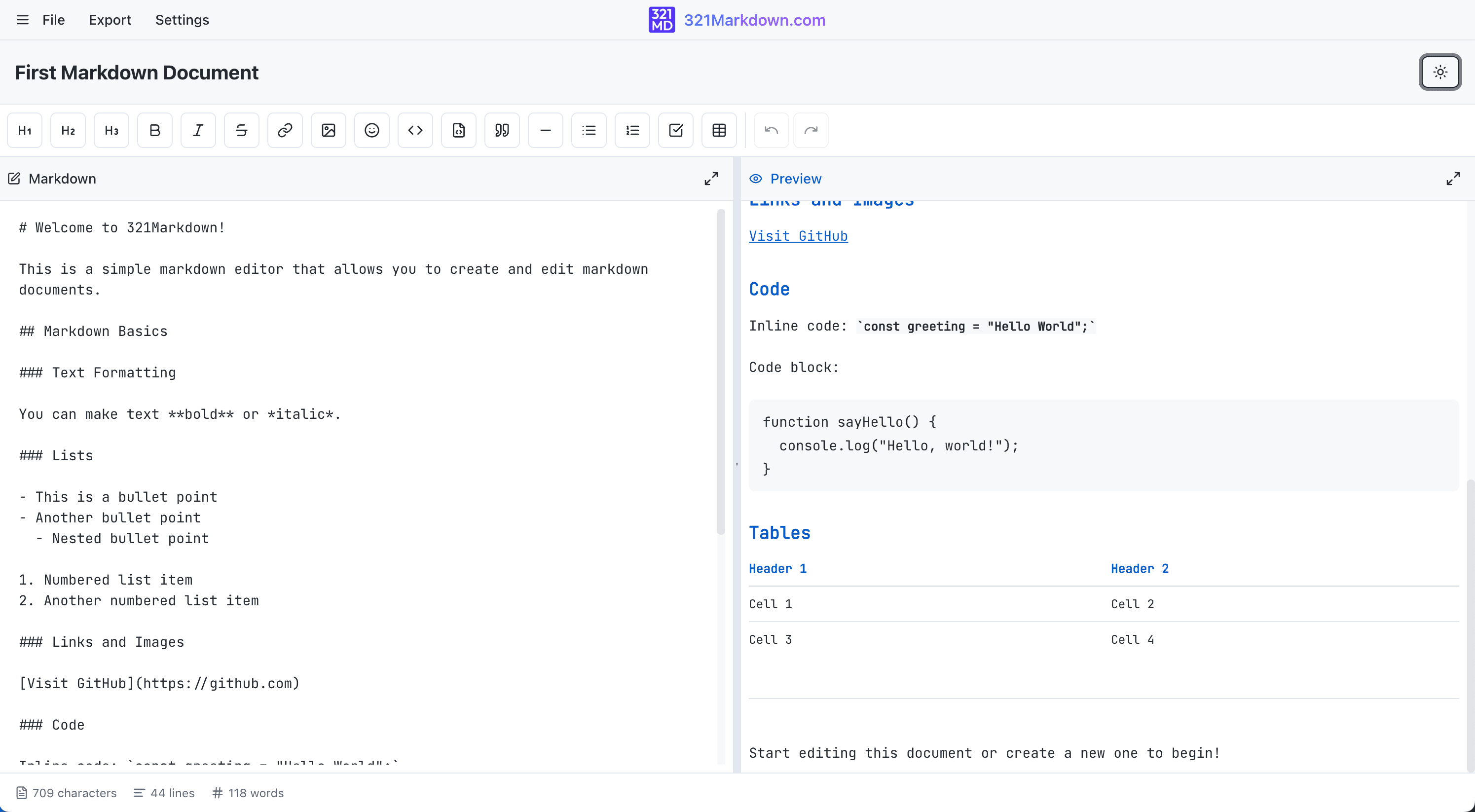
A clean, distraction-free interface with real-time preview and customizable themes
Features
Everything You Need to Write Markdown
Built for writers, developers, and note-takers who want a powerful editor without the complexity
Real-time Preview
See your formatted document as you type with side-by-side editor and preview panes.
Document Organization
Organize documents with folders and drag-and-drop to rearrange your content hierarchy.
Beautiful Themes
Choose from GitHub, Dracula, Nord, Solarized, and Tokyo Night themes.
Export Anywhere
Export as Markdown, HTML, or PDF. Create backups and share in multiple formats.
Privacy First
Your data never leaves your browser. No external servers, complete privacy.
Responsive Design
Works seamlessly on desktop and mobile with an interface that adapts to your screen.
Auto-Save
Never lose your work. Documents are continuously saved as you type.
Syntax Highlighting
Code blocks with syntax highlighting for multiple languages in your documentation.
How it works
Start Writing in Seconds
No installation, no configuration. Just open and write.
FAQ
Common Questions
Everything you need to know about 321Markdown
Yes, 321Markdown is completely free to use with no hidden fees or premium features.
All your documents are stored locally in your browser's storage. Nothing is sent to external servers.
Since documents are stored locally, they're specific to each browser. You can export your documents and import them on other devices. Need this text on another device? Paste it into a private online clipboard.
The only limit is your browser's local storage capacity, which is typically around 5MB. This allows for hundreds of documents.
Yes! Once loaded, 321Markdown works completely offline. You can create and edit documents without an internet connection.
321Markdown supports standard GitHub Flavored Markdown, including tables, code blocks, and task lists.